Industrial Asset Tracking Software for Equipment and Returnable Assets
TrackJi helps industrial teams identify and scan physical assets, perform process actions, and preserve movement and lifecycle history across plant, depot, field, dispatch, receipt, return, inspection, and service workflows. Track equipment, cylinders, containers, tools, and other operational assets from one structured system.
Industrial environments often require durable identification tags for assets. Laser-engraved metal QR tags suitable for harsh environments such as cylinders, containers, and heavy equipment are available at metalqrcodetags.com.
What is industrial asset tracking software?
Industrial asset tracking software is used to identify physical assets, record operational events, and maintain visibility over where assets are, what state they are in, and how they move through the business. It is especially useful where assets change location, status, custody, or condition over time.
Why industrial tracking is different
Industrial assets move through real operating environments. They are used, reassigned, returned, filled, emptied, serviced, and sometimes disputed. A generic spreadsheet or simple inventory list is usually not enough for these workflows.
Track tools, fixtures, field equipment, and serialized industrial units.
Track movement, returns, stage changes, and accountability in regulated environments.
Support repeated movement loops and custody transitions for reusable assets.
How industrial asset tracking works in TrackJi
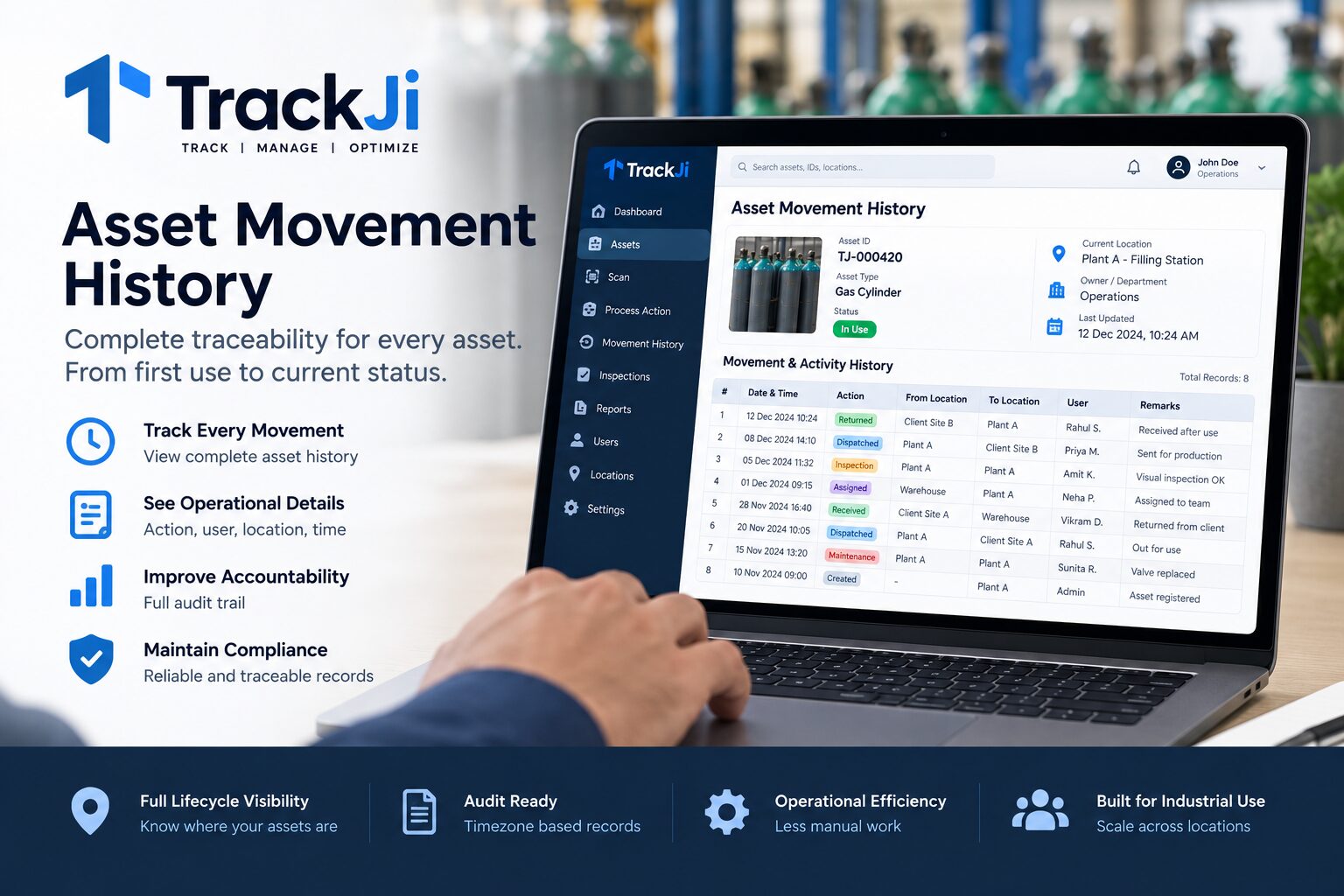
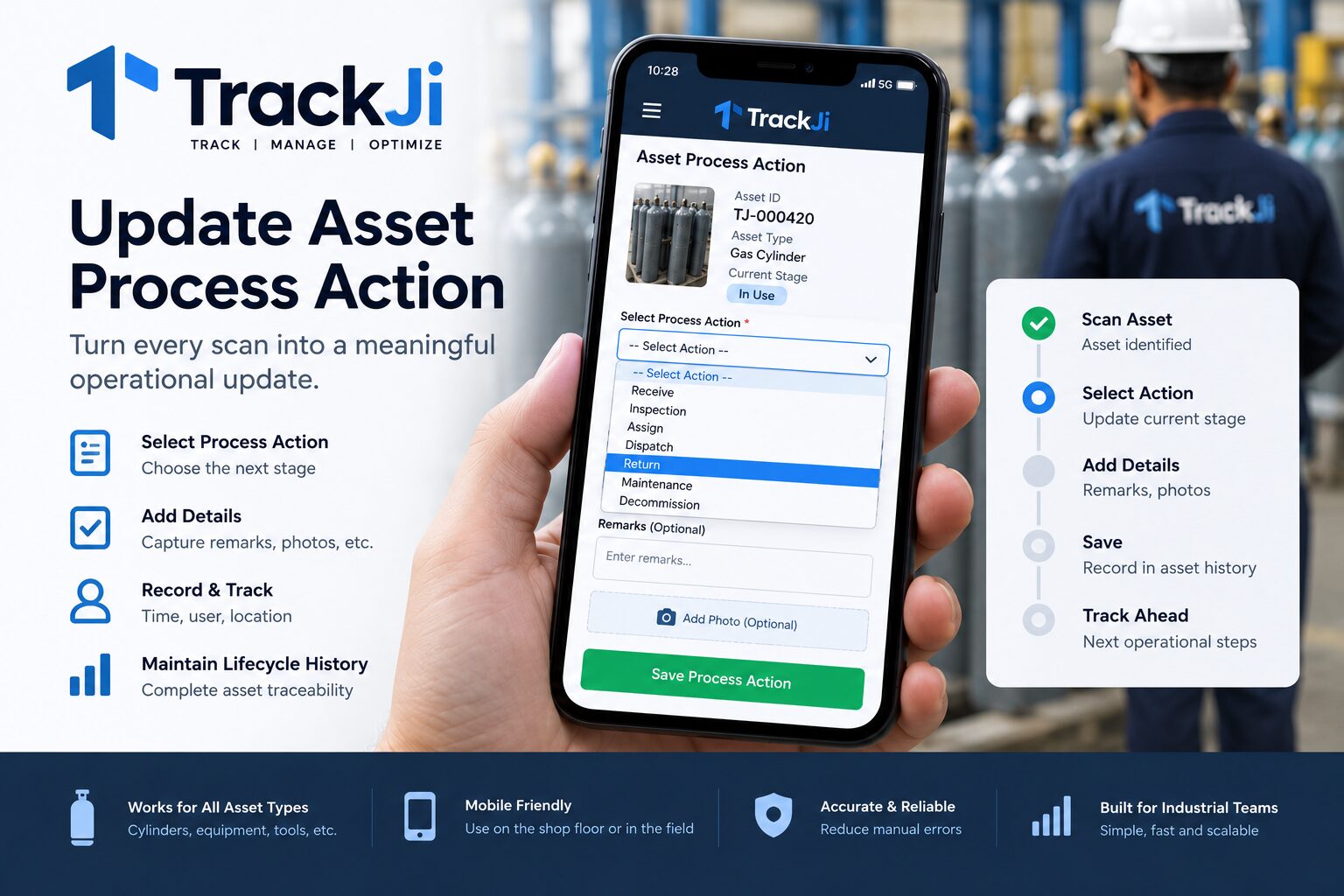
Each tracked asset has a unique identity. An operator scans the asset, opens its record, and performs the process action permitted for the current workflow. TrackJi records the event so teams can review movement, status, and lifecycle history later.
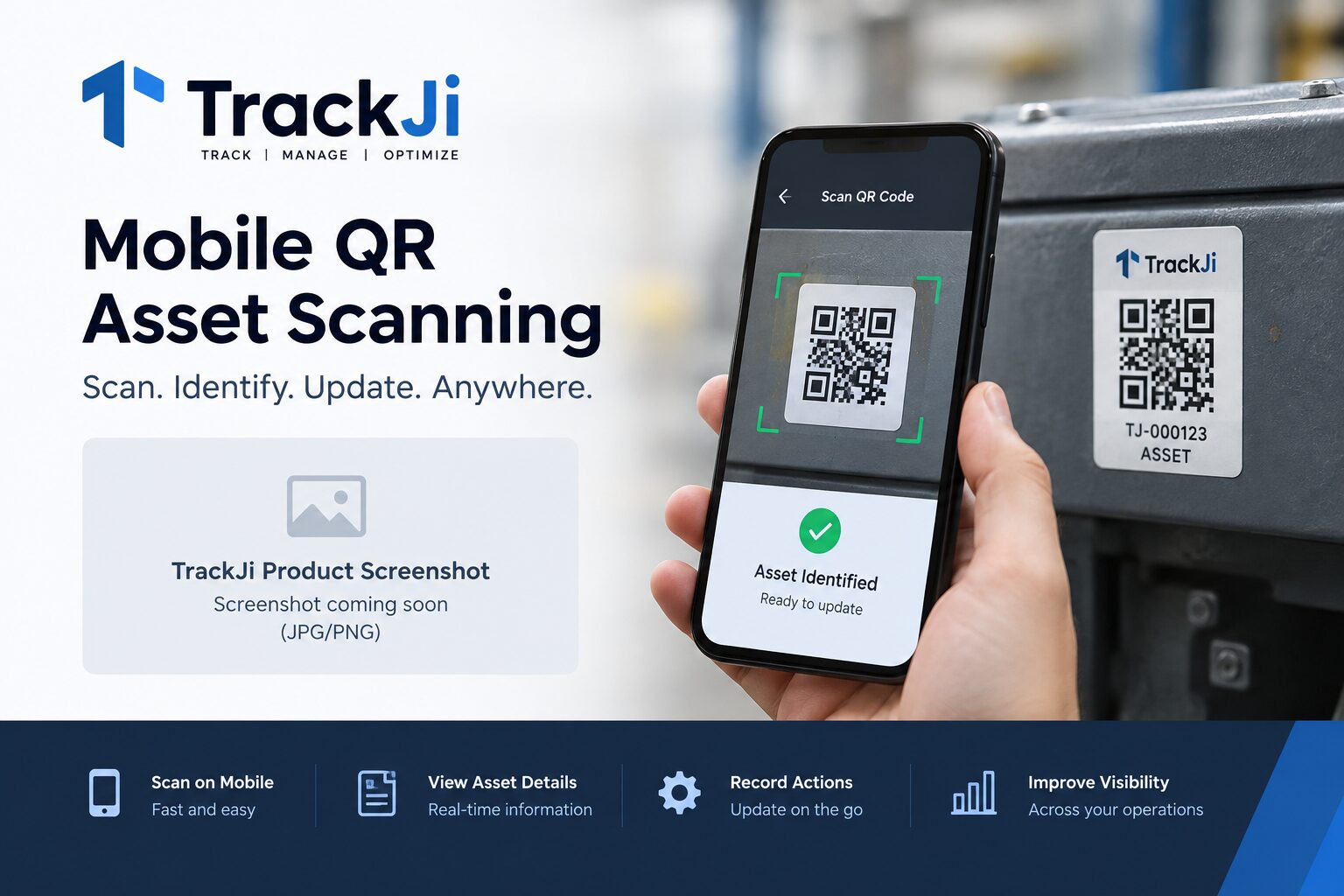
Use the asset's QR code or configured identifier to open the correct industrial asset record.
Capture movement, receipt, return, inspection, maintenance, assignment, or another configured process action.
Build structured movement and lifecycle history for operational visibility and traceability.
Common industrial asset tracking use cases
Plant assets: Monitor equipment and tools across departments or lines.
Depot workflows: Track issue, receipt, and movement at warehouse or depot level.
Field operations: Maintain visibility as assets move to customer sites or service zones.
Service and maintenance: Preserve inspection and condition history.
Compliance-sensitive assets: Keep better records for audit and review.
Benefits of industrial asset tracking
Better visibility: Know where assets are and what changed.
Improved accountability: Link events to operators and timestamps.
Reduced disputes: Preserve a clearer asset movement history.
Lifecycle control: Track assets across repeated use, return, and service loops.
Operational clarity: Support movement-heavy workflows with structured records.
Why TrackJi for industrial asset tracking?
TrackJi is designed around physical asset movement and scan-driven industrial workflows rather than only maintaining a static inventory list. Operators can identify an asset, perform configured process actions, and build a usable operational history as the asset moves through the business.
The same approach can support equipment, cylinders, containers, tools, and returnable assets while preserving identity, movement, status, inspection, and lifecycle records.
TrackJi includes a free plan for up to 1,000 active assets, with unlimited users across the current standard plans.
TrackJi industrial asset tracking at a glance
Assets: Equipment, cylinders, containers, tools, and returnable assets.
Identification: Unique asset records with QR-based scanning.
Workflow: Configured process actions linked to physical asset handling.
Movement: Preserve transfers and operational movement history.
Lifecycle: Track status, inspection, maintenance, return, and other lifecycle events.
Operations: Plant, depot, yard, dispatch, receipt, service, and field workflows.
Traceability: Maintain user-linked records for reporting and review.
Entry plan: Free for up to 1,000 active assets.
Frequently asked questions
What is industrial asset tracking software?
It is software used to identify, monitor, and manage equipment, cylinders, containers, tools, and other industrial assets across operations.
Why is industrial tracking different from inventory tracking?
Industrial assets move through real workflows like dispatch, receipt, service, return, and field use, which need richer event tracking.
What can TrackJi record?
TrackJi records asset identity, scan events, status changes, location references, operator actions, and lifecycle history.
Which assets can be tracked?
Equipment, cylinders, containers, tools, returnable assets, and other industrial items can be tracked using TrackJi.
Can TrackJi track industrial equipment using QR codes?
Yes. TrackJi can assign a unique identity to industrial equipment and use QR-based scanning to open the asset record and record configured operational actions.
Can TrackJi track returnable industrial assets?
Yes. TrackJi can preserve repeated movement and process events for returnable industrial assets as they move through dispatch, receipt, use, return, inspection, and other configured workflows.
Need industrial asset tracking that fits your workflow?
TrackJi is configured around asset movement, scan operations, and reporting needs—not generic software assumptions.